Settings and performance
How to holster your weapon manually in GTA 6
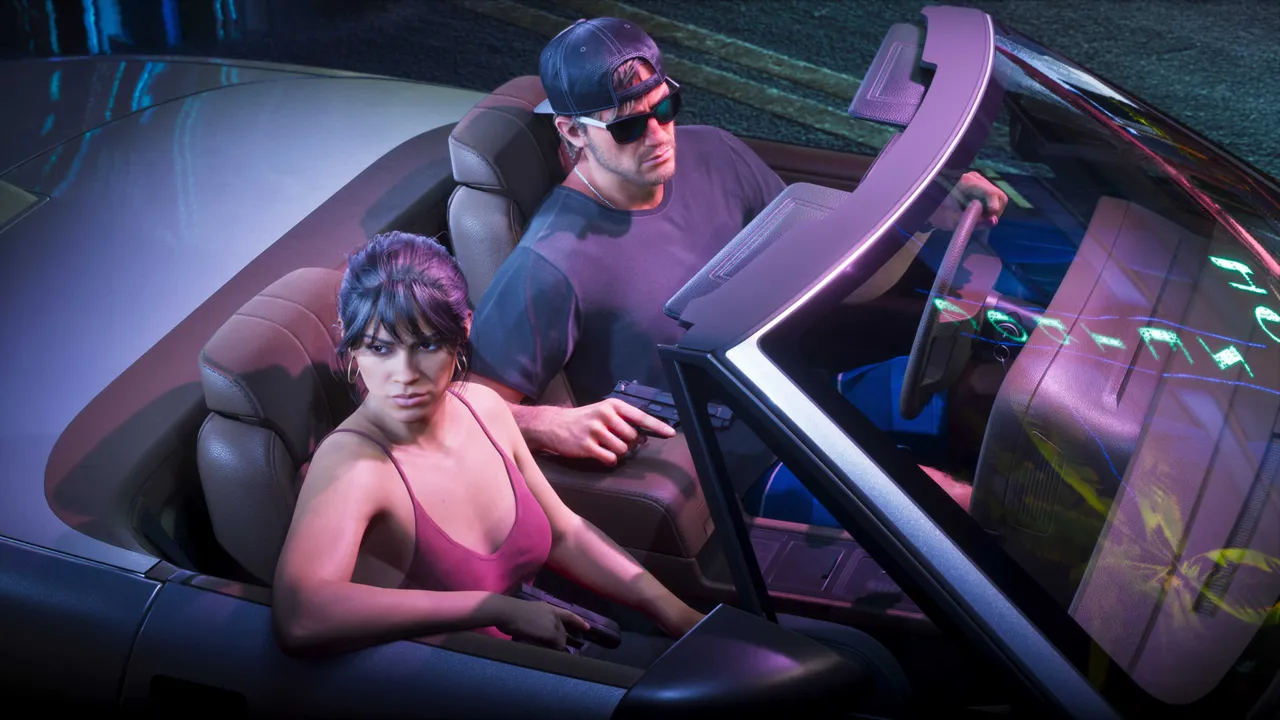
Image: Rockstar Games
Press L1 on PS5 or LB on Xbox to holster your weapon, and set Settings, Gameplay, Combat, Holster in Vehicle to Manual to control it in cars.
Press L1 on PS5 or LB on Xbox to put your weapon away in GTA 6, and press it again to draw the same weapon.
NPCs react strongly to visible guns, so holstering after a fight helps you blend in and avoid police calls. Pistols and other sidearms are kept close to the body and are harder for people to notice, but large guns such as shotguns and assault rifles will alert bystanders if you carry them openly.
By default the game holsters your weapon automatically whenever you get into a vehicle. If you would rather decide yourself, you can switch this to manual in the settings.
How to do it
- Press L1 or LB, on foot or in a vehicle, to holster your current weapon.
- Press the same button again to draw it back out.
- To control holstering in vehicles yourself, open Settings, Gameplay and find Holster in Vehicle under the Combat section.
- Set Holster in Vehicle to Manual.
How to check if your weapon is holstered
- While driving, look at the top right corner of the screen.
- A weapon icon with its ammo count means the gun is drawn.
- If the icon is gone, the weapon is holstered.
Send us a screenshot of this from your own game. We check it and show it on this page with your name, so other players know the guide works.
Send a screenshot in TelegramFound something different in the game? Write to [email protected] with a screenshot, and we will check it against our sources and update this page.