Settings and performance
Graphics modes, controls and accessibility. 4 guides.
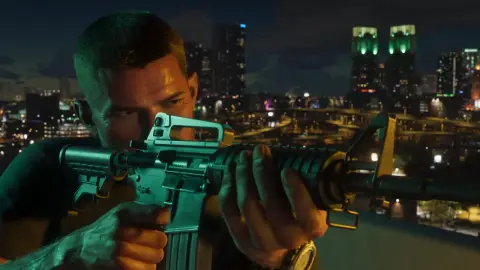 Best aim settings in GTA 6 for casual and realistic playChange aim under Settings, Gameplay, Combat: use Lock-On with Lock-On Time 5 for casual play, or Free Aim with Aim Assist 0 and Shooting Assist off for realism.Community reported · updated 18 Nov 2026
 How to use first-person mode in GTA 6GTA 6 has no full first-person camera, but with a scoped weapon you can aim with L2 and press R3 for first-person aiming; opening your phone in a car gives a first-person driving view.Community reported · updated 18 Nov 2026
 How to change the reticle in GTA 6Pause, open Settings, UI and scroll to the Reticle section; Reticle Shape offers Complex (default), Simple, Dot or None, plus size, hit markers and transparency.Community reported · updated 18 Nov 2026
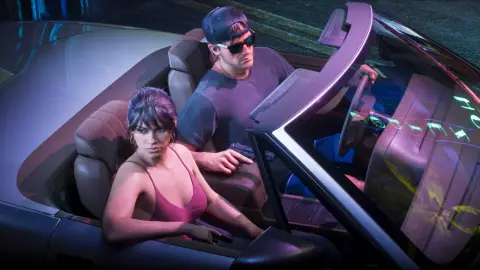 How to holster your weapon manually in GTA 6Press L1 on PS5 or LB on Xbox to holster your weapon, and set Settings, Gameplay, Combat, Holster in Vehicle to Manual to control it in cars.Community reported · updated 18 Nov 2026