Best HDR display settings for GTA 6
Quick answer
A YouTube calibration test suggests Max Brightness 2,000, Black Levels 20 and Paper White 30 on displays above 1,000 nits.
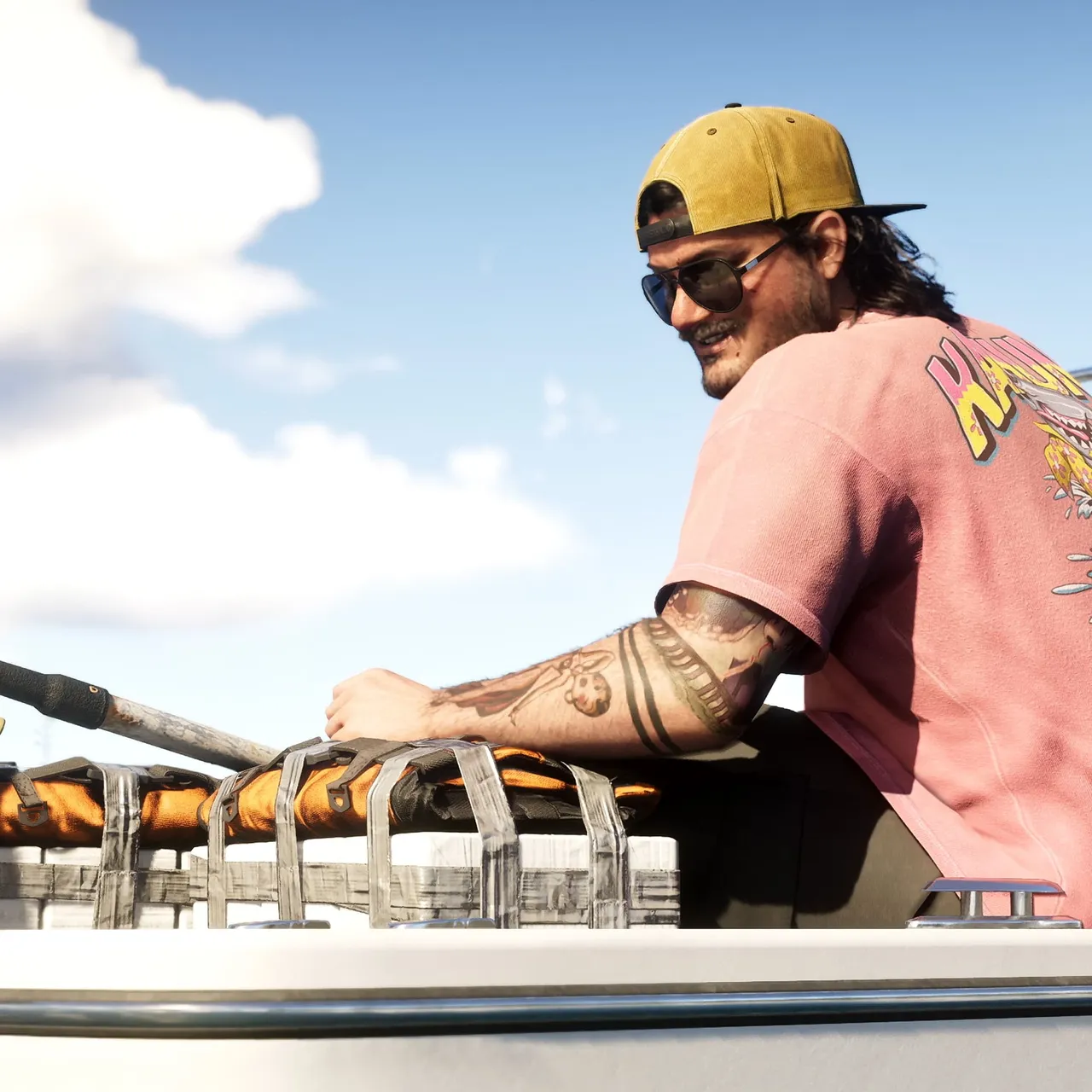
The best starting point for GTA 6 HDR is Max Brightness 2,000, Black Levels 20 and Paper White 30, if your display can exceed 1,000 nits.
How to do it
- Use these values as a starting point for HDR gameplay.
- The HDTVTest video says the numbers are not final and testing is ongoing.
- Check for the latest recommendations before changing other settings.
- Brightness and paper-white values interact, so adjust them together and check dark and bright scenes.
Notes
The source reports these values as preliminary. Some players have also reported that GTA 6 is capped at 30 FPS on PlayStation and Xbox consoles.
Seen this in your game?
Send us a screenshot of this from your own game. We check it and show it on this page with your name, so other players know the guide works.
Send a screenshot in TelegramNew guides every day: Telegram · Bluesky · RSS
Found something different in the game? Write to [email protected] with a screenshot, and we will check it against our sources and update this page.