How to claim the Duval Signature ES9 gun in GTA 6
With the Ultimate Edition, open the Ammu-Nation weapon locker, highlight Jason's Giradi ES9, then pick the Duval Signature ES9 from Variants.
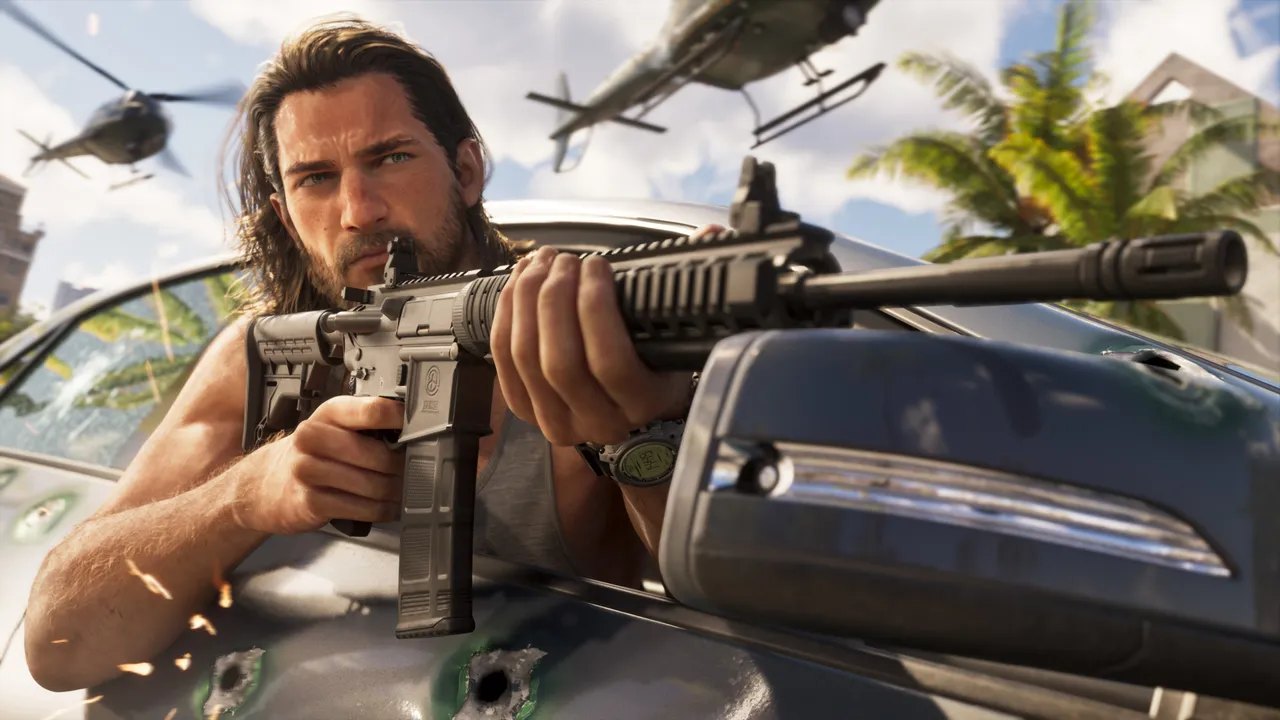
The Duval Signature ES9 is a bonus weapon for players who bought the Ultimate Edition. It is a variant of Jason’s personal Military Pistol and has a decent Handling stat, especially early in the game.
How to do it
- Make sure you have the Ultimate Edition, since the Standard Edition does not include this bonus.
- Enter an Ammu-Nation store. The source’s example is Chuck’s Tackle and Shot.
- Interact with the weapon locker.
- Highlight Jason’s Giradi ES9.
- Look at the lower right corner of the screen for the Variants option.
- Press the button shown next to Variants.
- Select the Duval Signature ES9 to equip it on Jason’s gun.
The source says you can claim it early in Chapter 1, during the Pick up another gun mission.
Send us a screenshot of this from your own game. We check it and show it on this page with your name, so other players know the guide works.
Send a screenshot in TelegramNew guides every day: Telegram · Bluesky · RSS
Found something different in the game? Write to [email protected] with a screenshot, and we will check it against our sources and update this page.