GTA 6 Ocean Beach mission walkthrough
Quick answer
Ocean Beach opens Chapter 4: clear out the Bayside apartment, drive to the Y Hotel, meet Valentina, then explore room 701 on the 7th floor with Lucia.
On this page (4)
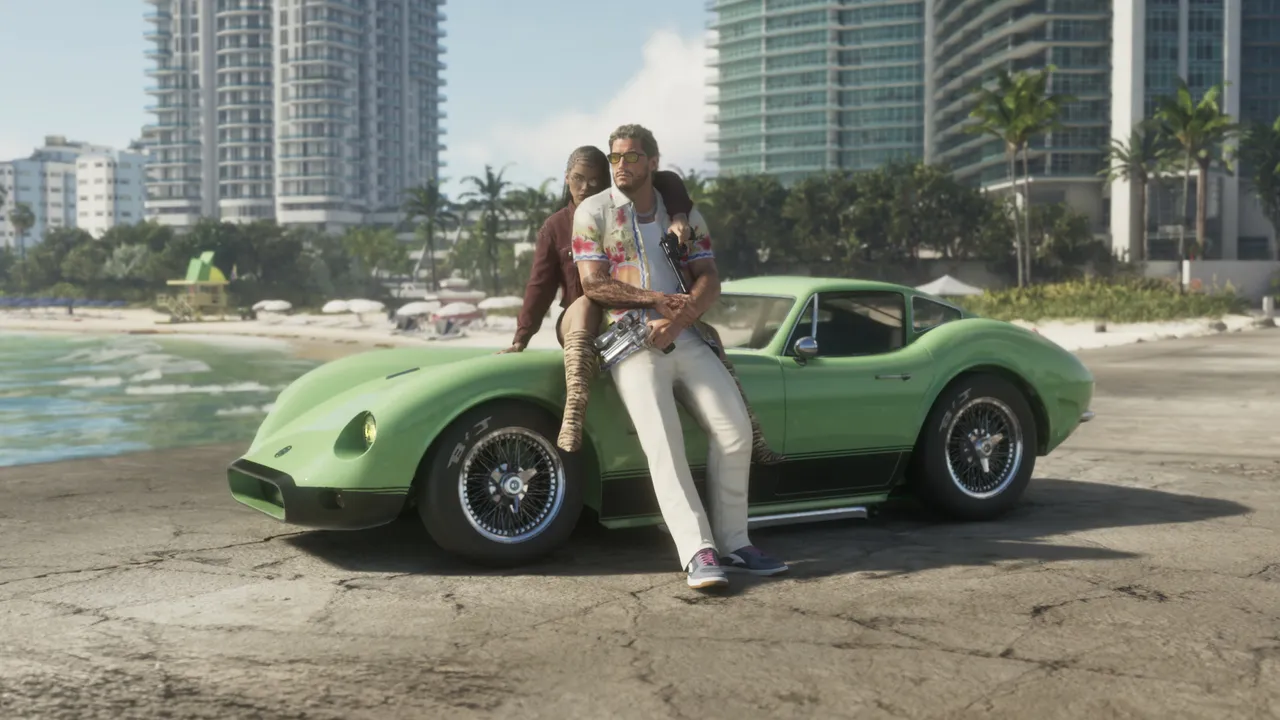
Ocean Beach is the first mission of Chapter 4. Jason and Lucia leave their Bayside apartment and move into a suite at the Y Hotel on the Vice Beach side of Vice City. Either character can start it.
How to start it
- Finish The Cartel Heist, the last mission of Chapter 3.
- Go back to the apartment in Bayside right away, or the mission starts the next time you return there.
Walkthrough
- Clear out the apartment, then get in a vehicle and drive to the Y Hotel on the Vice Beach side of the city.
- Enter the hotel. The concierge takes your car.
- Meet Valentina, who is sitting on the right side of the lobby.
- Follow Valentina to the elevator and take it to the 7th floor.
- Turn left out of the elevator and walk to the far end of the hallway to reach room 701.
- Explore the suite with Lucia. She opens the rooms for you to look around.
- When Lucia opens the bedroom door, interact with the wardrobe.
- Follow Lucia to the balcony. When she mentions champagne, go back inside, pick up the two glasses from the counter and bring one out to her. This ends the mission.
Tips
- The wardrobe in room 701 holds new outfits that start in this chapter. See how to change your appearance for clothing basics.
- Your reward is room 701 at the Y Hotel, the couple’s new home.
- You also meet the hotel concierge, Santino, during this mission. He comes back in the next missions.
What comes next
Another Life
Seen this in your game?
Send us a screenshot of this from your own game. We check it and show it on this page with your name, so other players know the guide works.
Send a screenshot in TelegramNew guides every day: Telegram · Bluesky · RSS
Found something different in the game? Write to [email protected] with a screenshot, and we will check it against our sources and update this page.