How to enter Area 51 and rescue the alien in GTA 6
Quick answer
Complete the three alien encounters, including their puzzles, then break into Area 51 and place the milk bottle to free the alien.
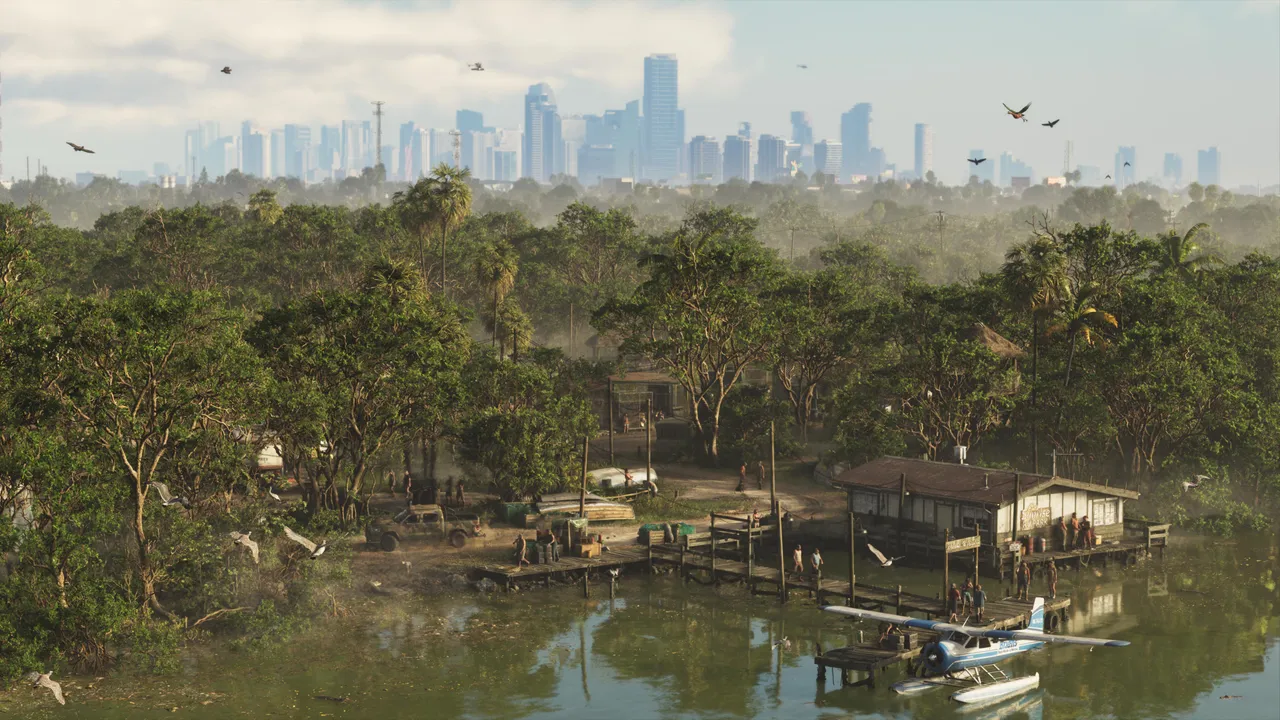
You must finish all three alien encounters, including their puzzles, before you can rescue the alien from Area 51 in GTA 6. The first encounter also gives you the Area 51 password.
How to do it
- Drive to the east side of Port Gellhorn, a short drive west of the motel in Chapter 2. Around 2 AM, follow the abandoned car’s track to find a UFO.
- Talk to the woman the aliens leave behind, then return to her car to be abducted.
- After a few activities, go to sleep. If you wake in a white room, turn around and go through the black door into the egg room.
- In the egg room, stay crouched and stick to the left. Avoid getting too close to the eggs, because too many explosions will trigger a tentacle that forces a retry.
- In the planet room, use the keypad solution shown above you. Then press the control panel buttons in this order: 4, 3, 4, 3, 1, counting from left to right, to turn the lights blue.
- Ignore the middle room, take the left door for the milk bottle, then insert it in the right room.
- Find the Area 51 site south of Hamlet, ram the front gate, and break through the double doors. Use the same keypad code from the dream.
- Press the panel buttons in the same order, grab the milk bottle from the left room, and place it in the machine on the right.
- Pick up the alien from the canister, then run to the elevator to escape the gas release.
See it in the game:
Seen this in your game?
Send us a screenshot of this from your own game. We check it and show it on this page with your name, so other players know the guide works.
Send a screenshot in TelegramNew guides every day: Telegram · Bluesky · RSS
Found something different in the game? Write to [email protected] with a screenshot, and we will check it against our sources and update this page.