Money and businesses
How robberies work in GTA 6: stick-ups, muggings and smash 'n' grabs
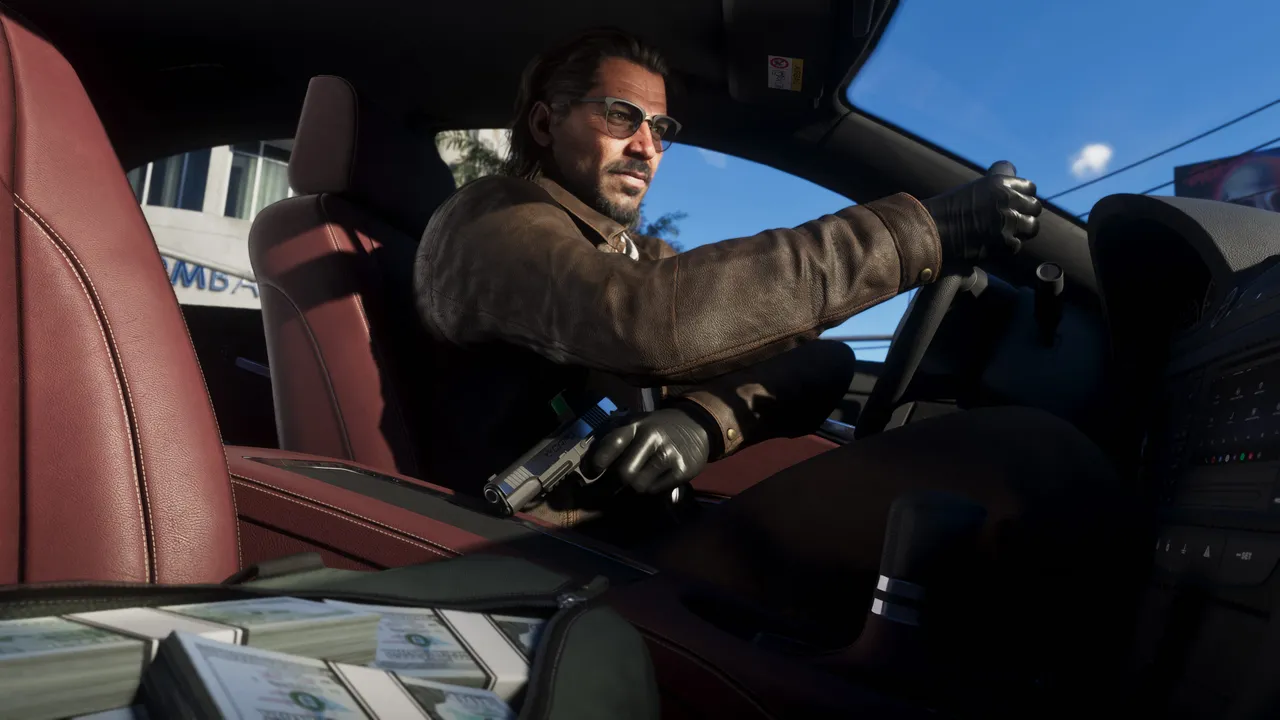
Image: Rockstar Games
Quick answer
Find Robbery Opportunities on the map, scout with Focus, threaten staff at gunpoint, deal with CCTV, and call your partner for backup with D-Pad Right.
Track your progress
Tick items as you complete them. Saved on this device only. See all your checklists.
Robberies in GTA 6 are a steady money maker: pick a target from the map, scout it with Focus, threaten staff at gunpoint and escape with the loot.
Finding robberies
- Open the map and hover over Robbery Opportunities to see the take value, security level and other details.
- Bigger targets unlock through story progress and exploration, such as overhearing a conversation in a salon.
How to do it
- At the location, use Focus to spot CCTV, entrances and guards.
- Staff highlighted in green know something useful. Aim at them and keep your weapon on them to get the information.
- For stick-ups at convenience stores, restaurants and liquor stores, aim at the staff and press Square/X to demand the register cash. Keep aiming so they don’t fight back.
- For smash ‘n’ grabs at jewellery stores and pawn shops, break the glass cases to fill your bags and check the back for a safe.
- To mug someone, approach with your gun drawn and target them. This is taught in the Girl’s Trip mission.
CCTV
- If the CCTV icon at the top of the screen has no cloud, find and destroy the footage on site.
- If it has a cloud, the footage can’t be wiped, so plan to lower your Heat.
Calling your partner
- Call your partner mid-robbery, then hold D-Pad Right to give orders.
- They can distract police, drive the getaway car, keep a gun on a target or take loot to the fence.
- Selling with your partner, or sending them in your place, gets the best price.
- Robbing the same spot again before it restocks lowers the take.
Playing GTA 6 already?
Send us a screenshot of this from your own game. We check it and show it on this page with your name, so other players know the guide works.
Send a screenshot in TelegramFound something different in the game? Write to [email protected] with a screenshot, and we will check it against our sources and update this page.