FAQ
How to fix GTA 6 download and launch issues on PS5
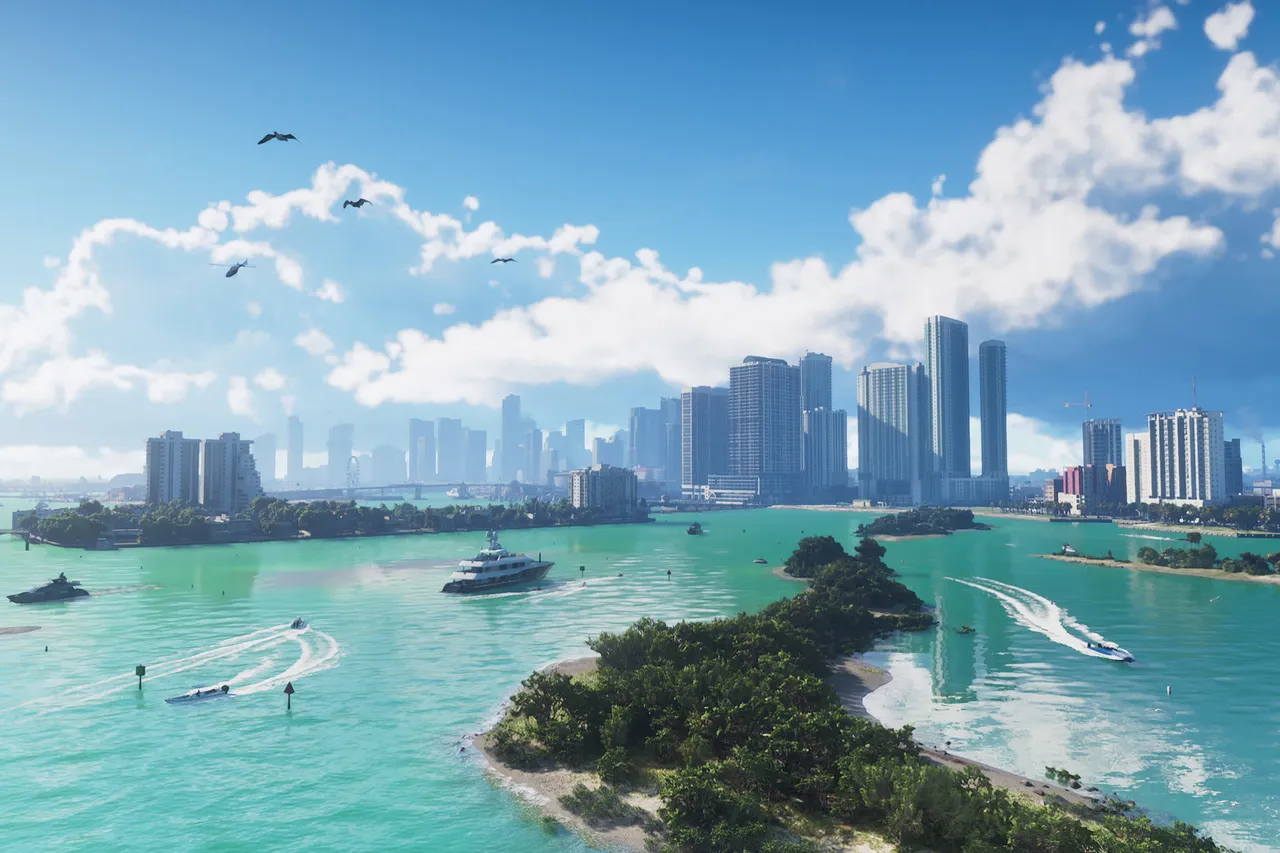
Image: Rockstar Games
Quick answer
Pause and resume the download, check PlayStation status, update system software, free up space, rebuild the database in Safe Mode, and restore licenses if GTA 6 won't launch.
If GTA 6 won’t download or launch on PS5, restart the download, check storage and system software, and restore your licenses.
How to fix a stuck download
- Open the control center, go to Downloads/Uploads and pick the GTA 6 download.
- Choose Pause, then Resume.
- If that fails, choose Cancel and Delete, then find the game in your Game Library and download it again.
- Check the PlayStation status page and wait if there are service alerts.
- Update your console via Settings, System, System Software, System Software Update and Settings.
- Compare the space needed (Game Library, select the game, more options, View Product) with your free space under Settings, Storage.
- As a last step, boot into Safe Mode and choose Clear Cache and Rebuild Database.
How to fix launch problems
- The game releases on PS5 on November 19, 2026; preload starts at midnight local time on November 10, 2026.
- If you play on an account that doesn’t own the game, the owning account must enable Settings, Users and Accounts, Other, Console Sharing and Offline Play.
- Restore licenses via Settings, Users and Accounts, Other, Restore Licenses, or press the Options button on the game tile and pick Restore License.
Missing bonus content
- Ultimate Edition bonuses unlock gradually across the story chapters.
- The Vintage Vice City Pack comes with digital purchases made before 11:59:59 PM local time on November 19, 2026.
Playing GTA 6 already?
Send us a screenshot of this from your own game. We check it and show it on this page with your name, so other players know the guide works.
Send a screenshot in TelegramFound something different in the game? Write to [email protected] with a screenshot, and we will check it against our sources and update this page.