FAQ
How to expand PS5 and Xbox storage for GTA 6
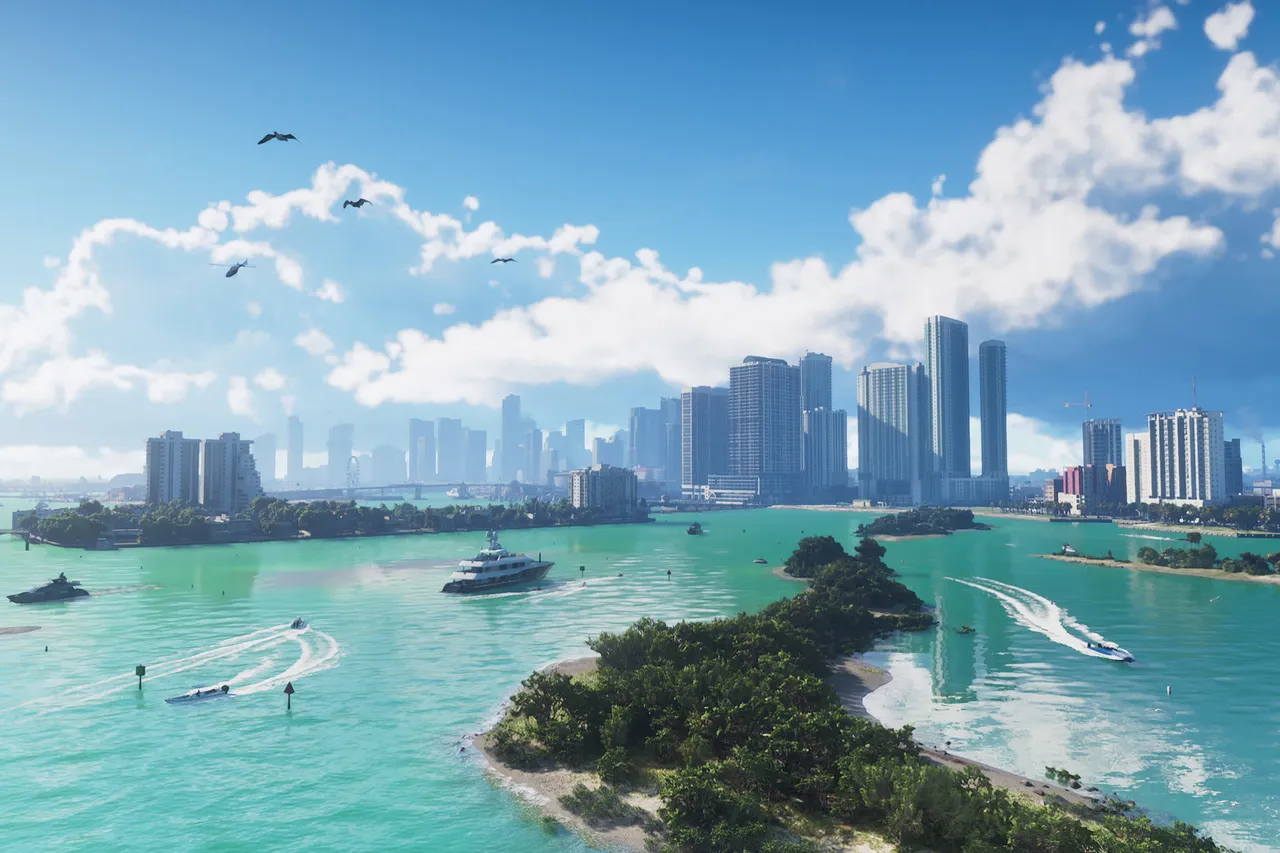
Image: Rockstar Games
Quick answer
Use a compatible internal M.2 SSD on PS5 or an official expansion card on Xbox Series X|S; USB drives can store games but cannot run them.
To make room for GTA 6, add a compatible M.2 SSD to your PS5 or an official Storage Expansion Card to your Xbox Series X|S, or simply free up space if you already have enough.
How to do it
- Check your free space first. If you already have enough room, you do not need to buy anything.
- On PS5 or PS5 Pro, install a compatible internal M.2 SSD. Drives with a heatsink, such as the WD_BLACK SN850P or Samsung 990 PRO, are suggested options.
- On Xbox Series X or Series S, plug in an officially compatible Storage Expansion Card, such as the Seagate or WD_BLACK C50 cards.
- Pick a capacity that suits your library, with 1TB, 2TB and 4TB being the common choices.
- Move older games you are not playing to free up internal space.
Things to know
- PS5 games can only be played from internal storage or a compatible M.2 SSD.
- Xbox Series X|S games generally need internal storage or an official expansion card to run.
- Regular external USB drives can hold games for storage, but you cannot play these games directly from them.
- Avoid buying a drive that is not compatible with your console, as it will not let you run GTA 6.
Video guide
Video: Mr. Wright Way (YouTube)
Playing GTA 6 already?
Send us a screenshot of this from your own game. We check it and show it on this page with your name, so other players know the guide works.
Send a screenshot in TelegramFound something different in the game? Write to [email protected] with a screenshot, and we will check it against our sources and update this page.