Beginner tips
How to fast travel in GTA 6 with taxis and the RydeMe app
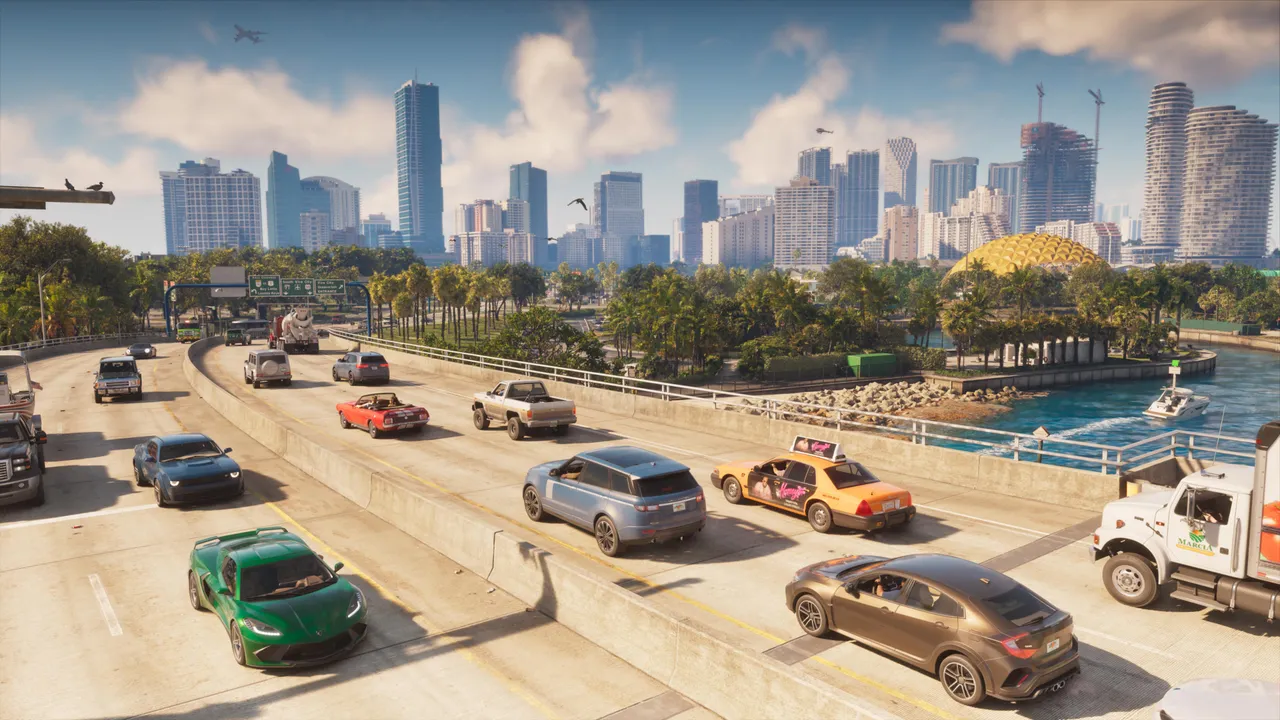
Image: Rockstar Games
Call Paradise Taxi from your phone contacts (or use RydeMe from Chapter 2), set a map marker, get in, talk to the driver and pay $100 to skip the ride.
GTA 6 has no click-to-travel map option, so you fast travel by calling a taxi or using the RydeMe app and paying the driver $100 to skip the trip.
Taxis become available right after the opening mission, Gone Fishing. The $100 skip fee stays the same no matter how far you go, and it comes on top of the normal fare. The destination marker works even in areas you have not discovered yet, so taxis are a quick way to open up the map early.
In Chapter 2 you unlock the RydeMe app, which is quicker than phoning the taxi company. With RydeMe, the ride fee grows with distance. Money gets much easier to earn from Chapter 2 onward, so the cost stops mattering later.
How to do it in Chapter 1
- Take out your phone and go to Contacts, All Contacts, Paradise Taxi.
- Wait for the hotline to answer; a taxi is sent to you and shows as a white car icon on the minimap (you may need to bring up the minimap depending on your UI settings).
- Place a destination marker on the world map.
- Get in, hold the talk button to speak to the driver and choose to pay $100 to fast travel.
How to do it from Chapter 2
- Take out your phone with D-Pad Up and open the RydeMe app.
- Set a destination marker on the world map and pay the ride fee.
- Look for the white car icon on the minimap after a few seconds and enter the car.
- Talk to the driver and pay $100 to skip the ride. Once seated, hold the left trigger to focus on the driver and the fast travel option appears.
- If no RydeMe driver is free, call Paradise Taxi from your contacts instead.
Send us a screenshot of this from your own game. We check it and show it on this page with your name, so other players know the guide works.
Send a screenshot in TelegramWhat changed (1)
- added left trigger focus control to talk to the driver (source: kotaku.com)
Found something different in the game? Write to [email protected] with a screenshot, and we will check it against our sources and update this page.